Sales & Receivables
Receipts & Collections

PRODUCT / CURRENT TA SCREENS
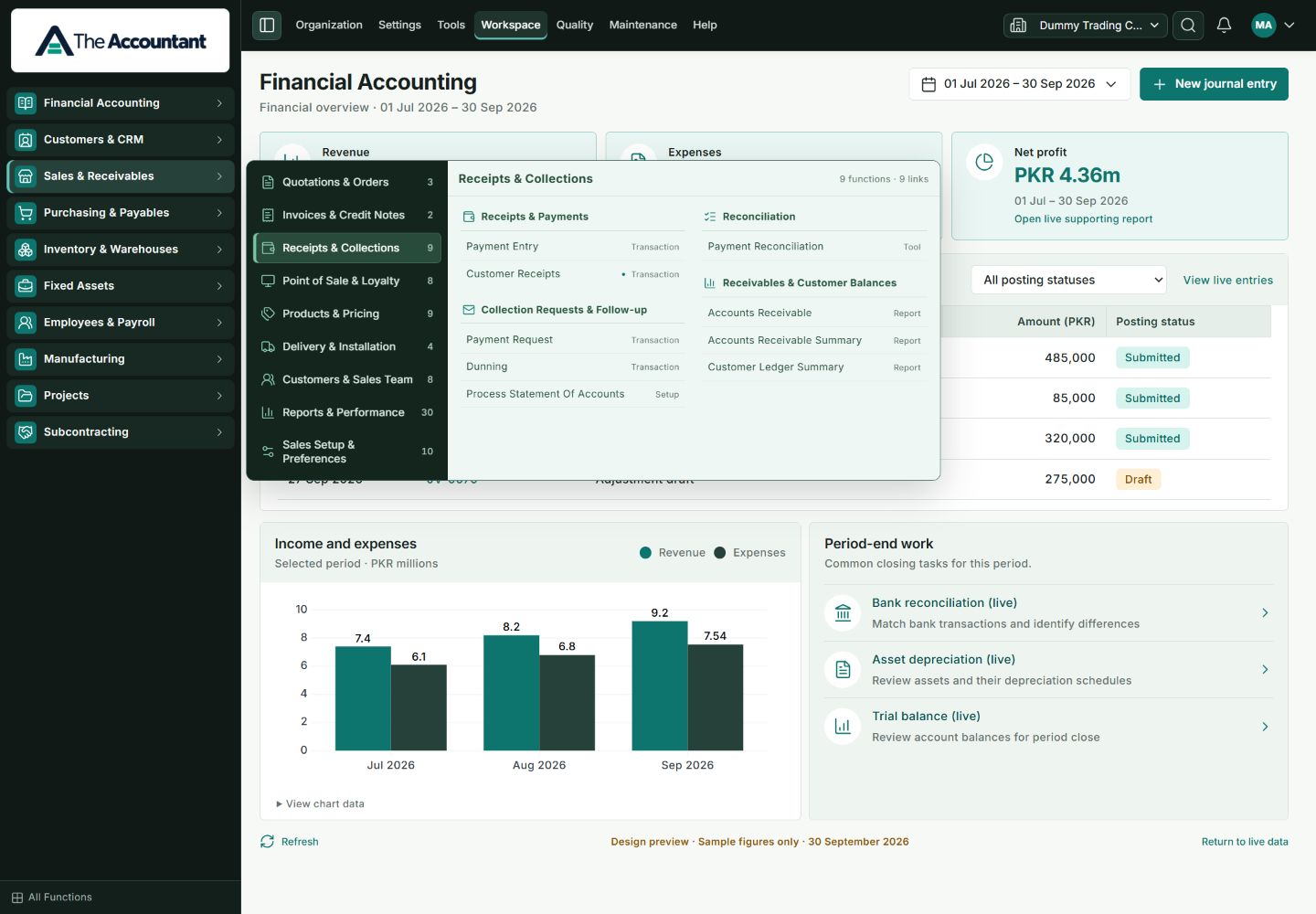
Screens captured directly from the running local TA application on 20 October 2026. The dashboard uses TA’s built-in Design preview with sample figures; the navigation and directory show the current application interface.
01 / FINANCIAL ACCOUNTING
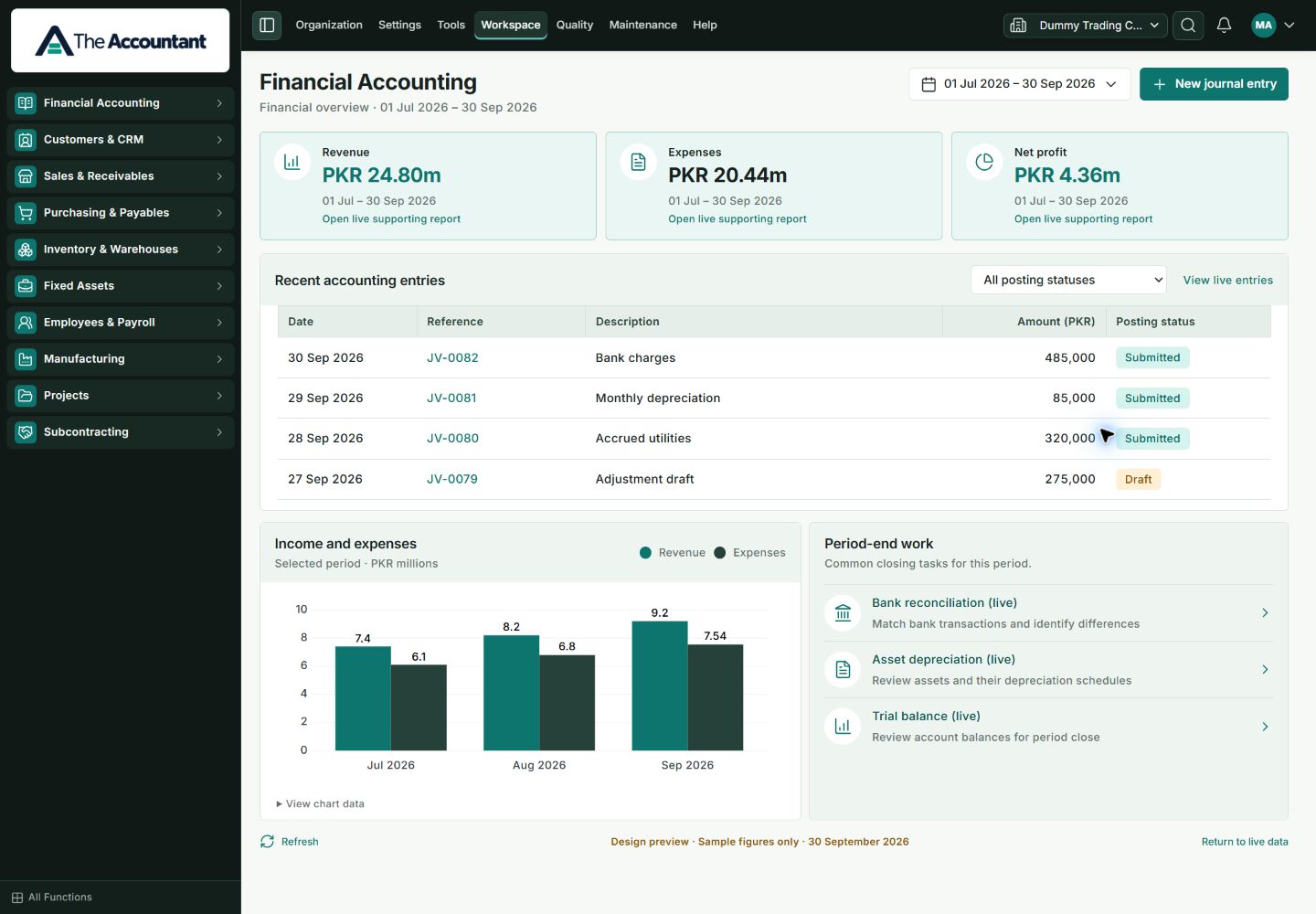
Company and period context, populated financial summaries, sample accounting entries and period-end work in the current TA workspace’s built-in Design preview.
02 / CONNECTED NAVIGATION
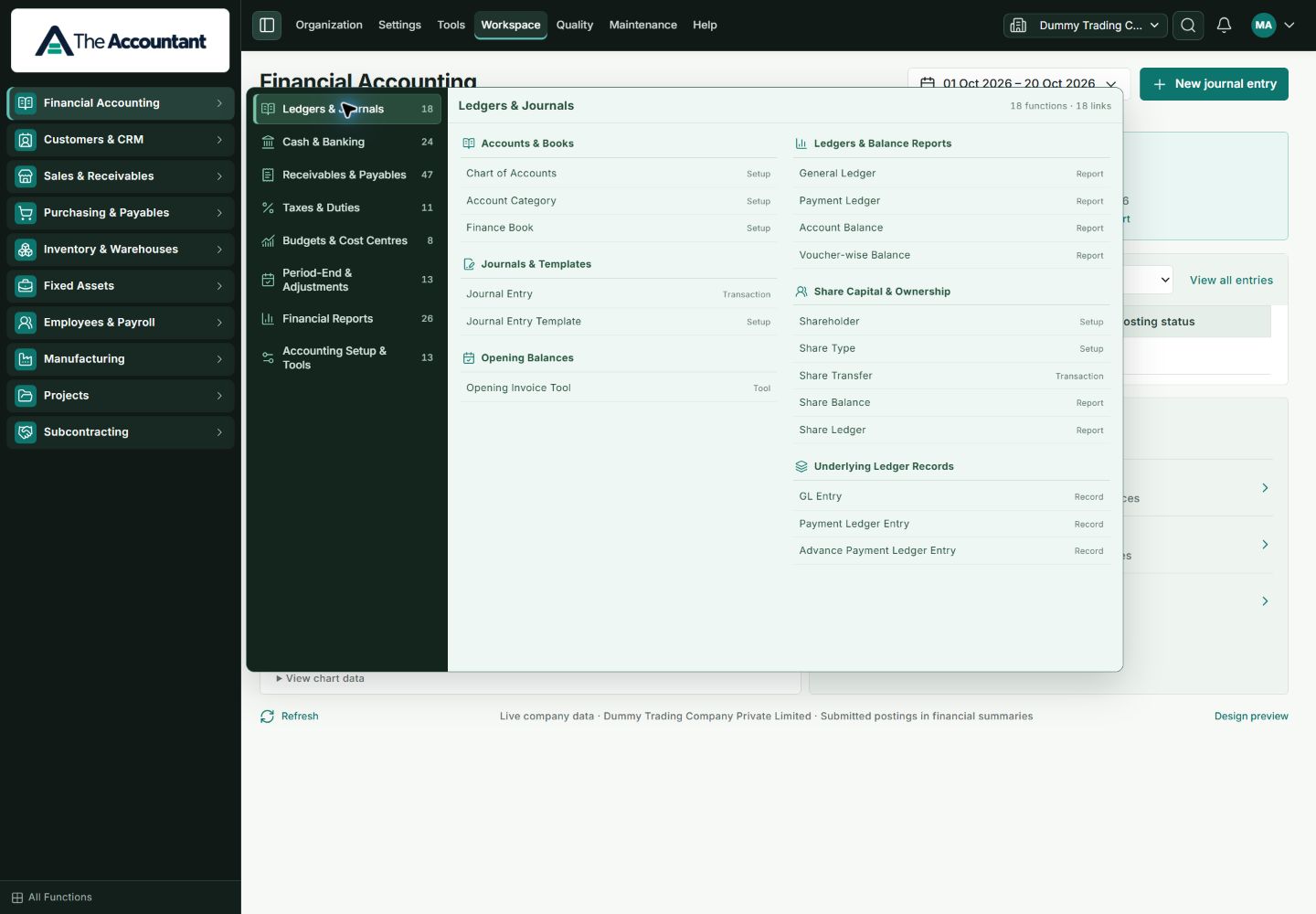
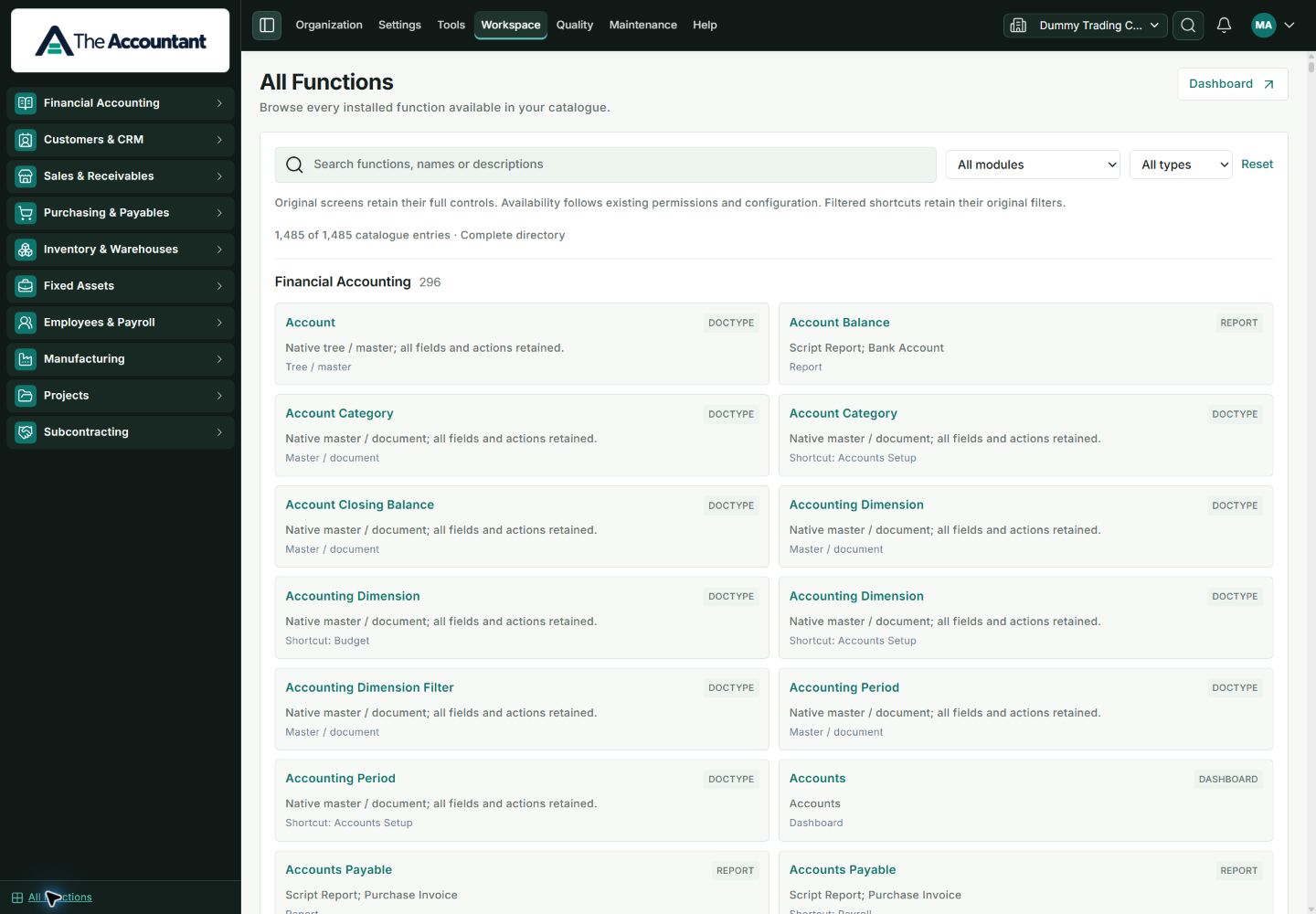
The current Financial Accounting navigation groups native screens by task. The All Functions directory provides search and module/type filters across the available catalogue.
03 / EXPLORE BUSINESS WORKFLOWS
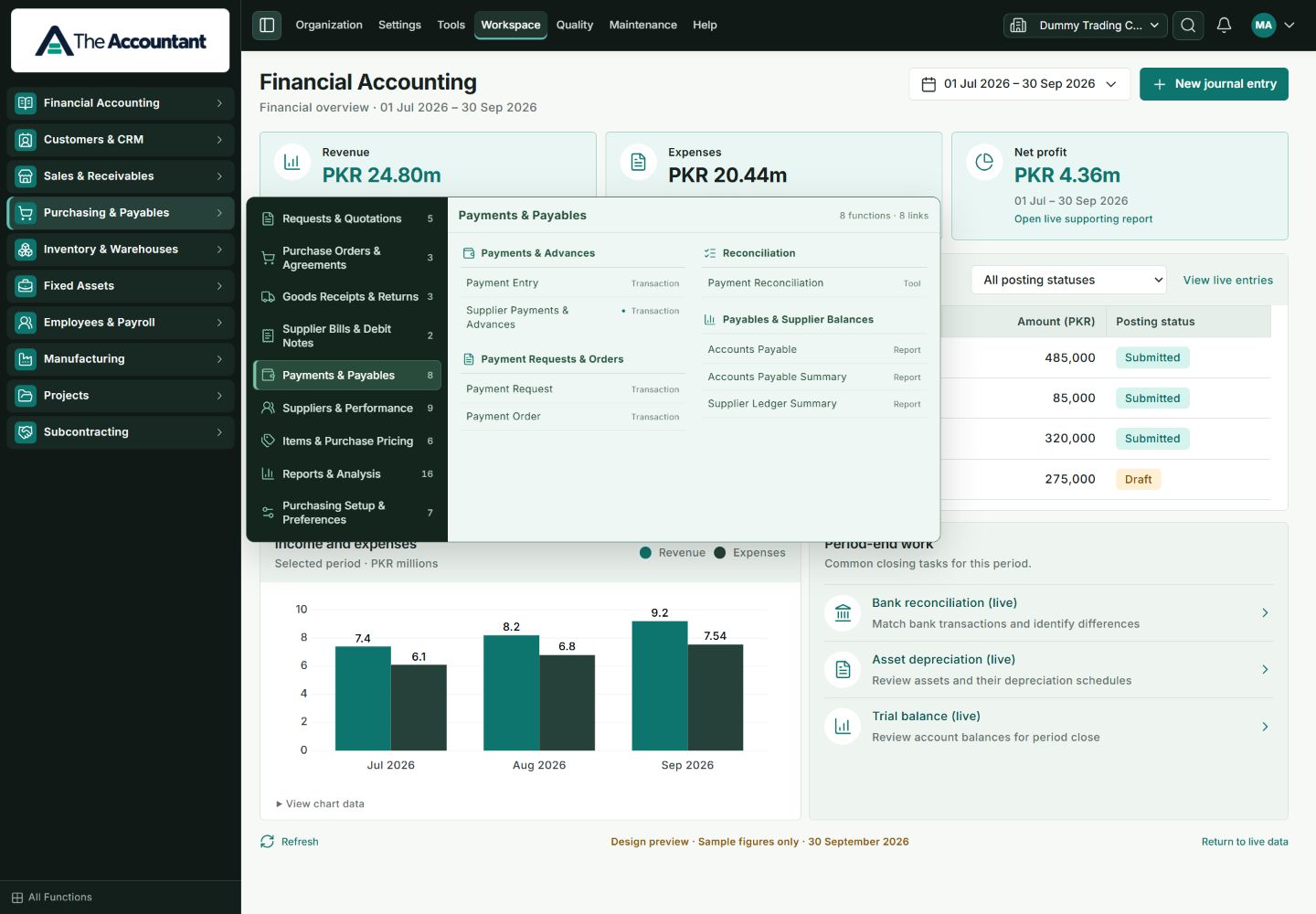
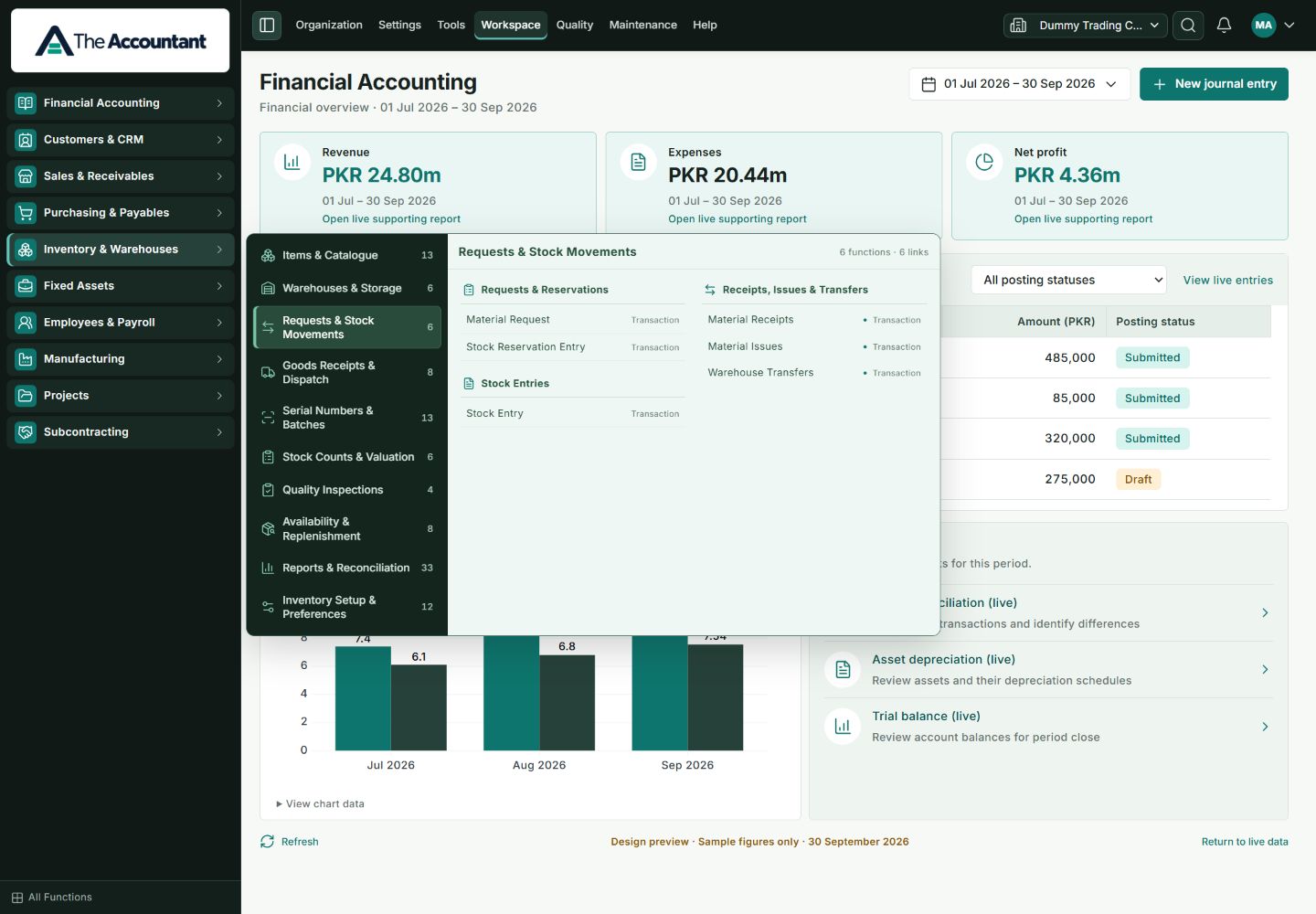
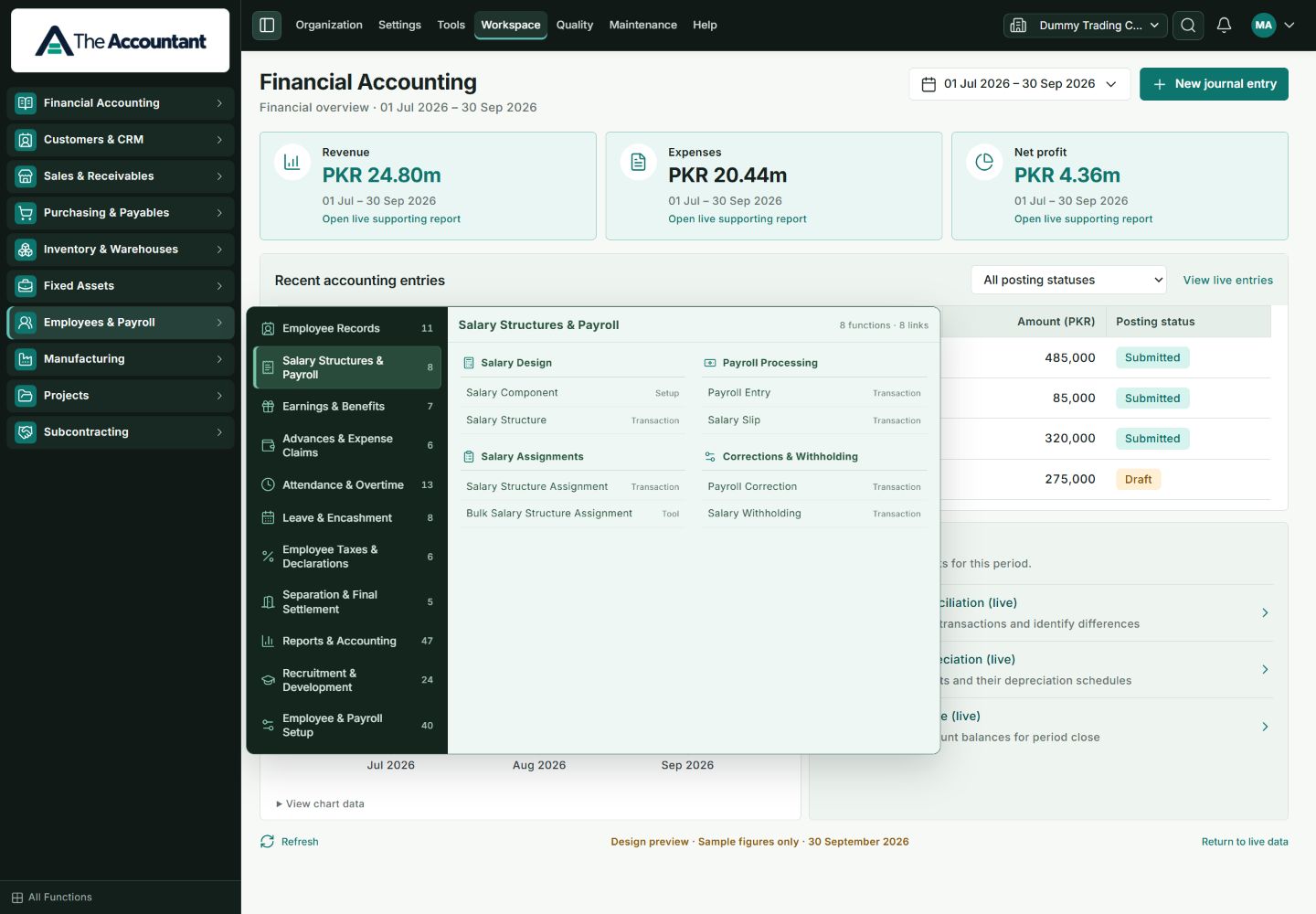
Current navigation screens from sales, purchasing, inventory and payroll. These show the native functions grouped by business task, with the application’s sample dashboard in the background.
Receipts & Collections
Payments & Payables
Requests & Stock Movements
Salary Structures & Payroll
04 / UNDERSTAND THE WORKFLOW
The interactive walkthrough explains transaction effects with fictional figures. It is separate from the actual TA application shown above.
Try the six business examplesLET’S MAKE IT RELEVANT
Bring a business question. We’ll start with the records behind it.